Have you just purchased a new iPad or Tablet and you’re not sure how to set it up? iPads and Tablets are powerful devices that have exciting features and useful capabilities. We can help you get the most out of your new iPad or Android Tablet with our tablet setup service.
The team at Jim’s I.T provides a professional tablet setup service from setting up new email accounts, installing your favourite apps, transferring data from your old iPad or tablet, and getting your iPad security setup.
Here at Jim’s I.T, we are tablet experts and provide professional support for all tablets including Apple iPads (Pro, Air and Mini), Samsung Galaxy Tablets, Lenovo Tablets and more.
Using a new tablet can be complex and confusing. We take the guesswork out of the setup process and teach you how to make the most out of your iPad or tablet.
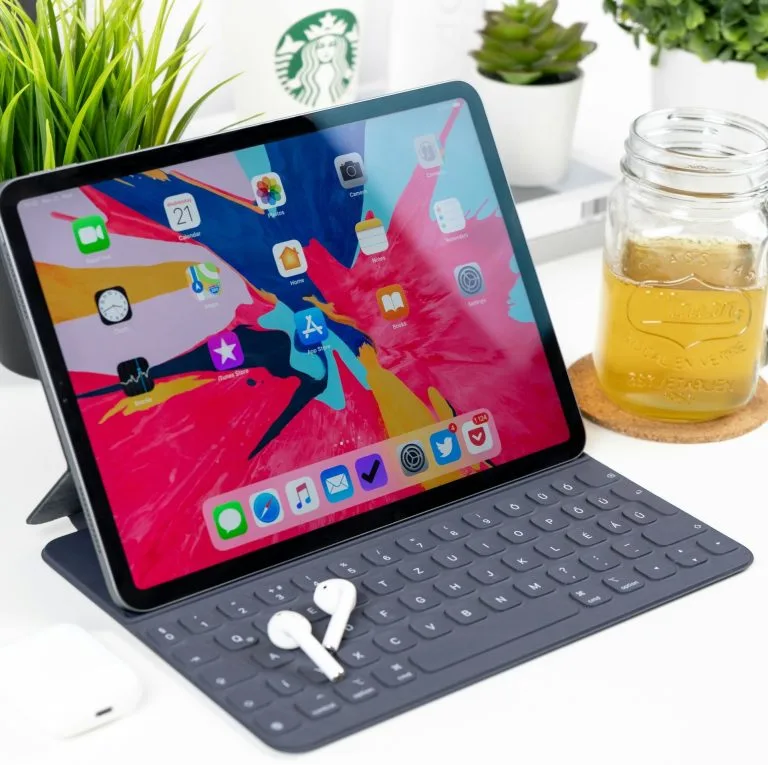
We Setup All Brands
iPad & Tablet Setup
iPad & Android Setup
Setting up your new iPad or Tablet can be a challenging process, especially if you have never done it before. From security settings, to email passwords, to missing data; getting your new iPad or tablet to work correctly can be a frustrating exercise. So, it’s best to use a professional technician from Jim’s I.T.
We provide support for both home and business users for all brands and models of tablets including apple iPads, Samsung Galaxy tablets and more. We can set up all your apps so they work perfectly, your emails sync across your devices and secure your device so you don’t have to worry about being hacked.
Here are some common iPad & Tablet setup services we provide:
- Setup iPad
- Setup tablet
- Email accounts
- Facebook setup
- Kindle setup
- Netflix setup
- Music streaming
- Online banking
- Microsoft office
- Audible setup
If you would like help purchasing a new iPad or tablet, give us a call on 0800 454 654 as we set up hundreds of tablets each month and can customise the setup of your new iPad or tablet so you get the most out of your new device.
iPad & Tablet Troubleshooting
When something goes wrong with your iPad or tablet it can be a frustrating user experience, and it can be confusing to try to fix it yourself. Jim’s I.T provides a professional troubleshooting service for all Apple iPads and Android tablets. We can fix software issues, email problems, app glitches and more.
Don’t waste hours of time trying to solve the issues yourself, call the tablet experts at Jim’s I.T on 0800 454 654 and we can have a technician at your home or office within the same day and sort out these issues for good.
Here are some common iPad & Tablet issues we fix:
- Email issues
- Security issues
- App issues
- Frozen screen
- Performance
- Update failures
- Full storage
- Crashing
If your issue is not on the above list, have a chat with our tablet technicians, and they will give you genuine advice if it can be fixed or recommend an alternative solution.
iPad & Tablet Training
If you are not tech savvy, getting the latest iPad or tablet can come with a steep learning curve. Especially if you have not upgraded your tablet in many years. There are many new features and functions, and it can be hard to know where to start, especially if you didn’t grow up with technology.
Jim’s I.T provides iPad & tablet training for seniors who are not tech savvy and need some technical handholding. Our tablet technicians can provide a one-on-one service with guided steps showing you how to get the most out of your new tablet.
They will sit down with you and guide you through the whole setup process of your new tablet, transfer your photos, emails and apps from your old tablet and guide you (with patience) to get the most out of your new iPad or tablet.
Here are some of the common benefits of our iPad & Tablet training:
- Web browsing
- Send emails
- Install apps
- Take photos
- Video calls
- Social media
- Stream music
- Games
- Read eBooks
- Note taking

iPad & Tablet Setup Service – Frequently Asked Questions
Jim’s I.T can setup Apple iPads, Samsung Tablets, Microsoft Surface Tablets, Lenovo Yoga Tablets and all other android and windows-based tablets.
This will depend on your needs. If you have a Mac Computer or iPhone, then we recommend purchasing an iPad, as you will be able to use it within minutes without having to learn anything new.
If you are used to Android or Windows devices, then we recommend sticking with an Android or Windows tablet.
No, we can setup your new iPad without a mac computer. However, we will use a Mac or Windows computer to backup an old iPad so we can restore it to your new iPad.
If you do not have an older iPad, this does not apply to you.
Generally speaking, tablets are not as functional as a Mac or Windows laptop. They are great for users who have basic needs, however if you need specialised software such as 3D rendering or heavy multi-tasking a traditional laptop is more suitable.
To setup your iPad, turn on the iPad. Connect it to WIFI or insert a SIM card, and you can do the quick start setup if you an existing iPhone or do a manual setup.
This depends on the tablet model you have purchased. Some tablets are WIFI only, others are WIFI + 4G/5G.
Yes, you can use an external monitor and keyboard and mouse with your iPad. An iPad works well for internet usage, emails, and basic apps.
For more advanced workflows, a full computer is better to use.
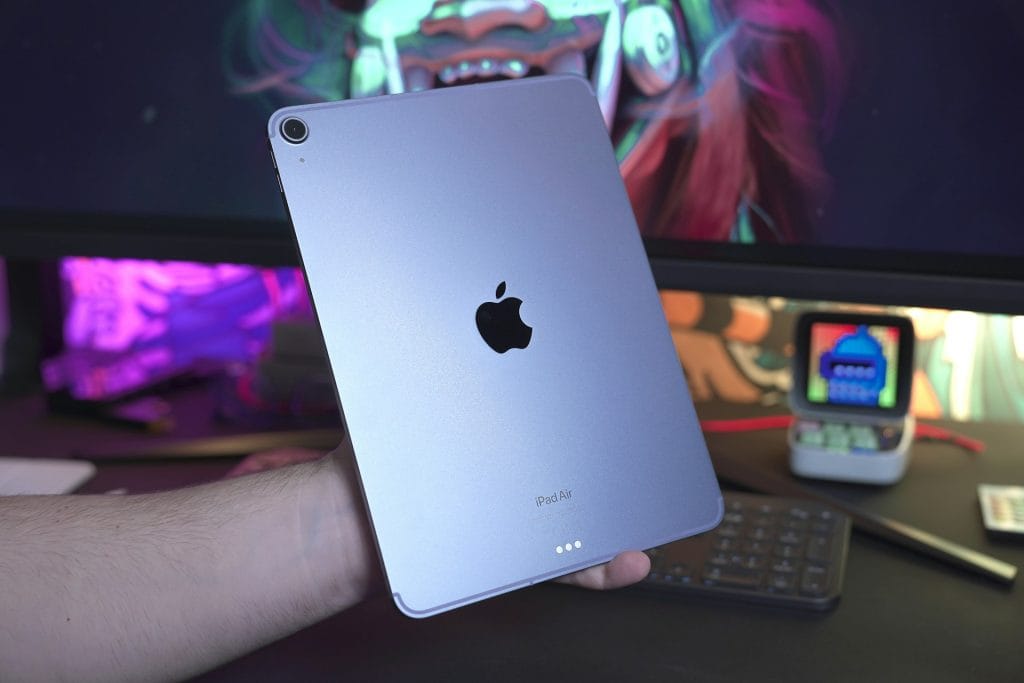
The main difference between an iPad Air and an iPad Pro, is the iPad pro has a superior OLED screen with a 120 Hz refresh rate.
The Pro also uses Face ID and has better speakers. The iPad Air uses a slower M2 chip (brain) and weights a little more then the iPad Pro.
The iPad Pro is also more expensive then the iPad Air. We find the iPad Air is fine for most users.
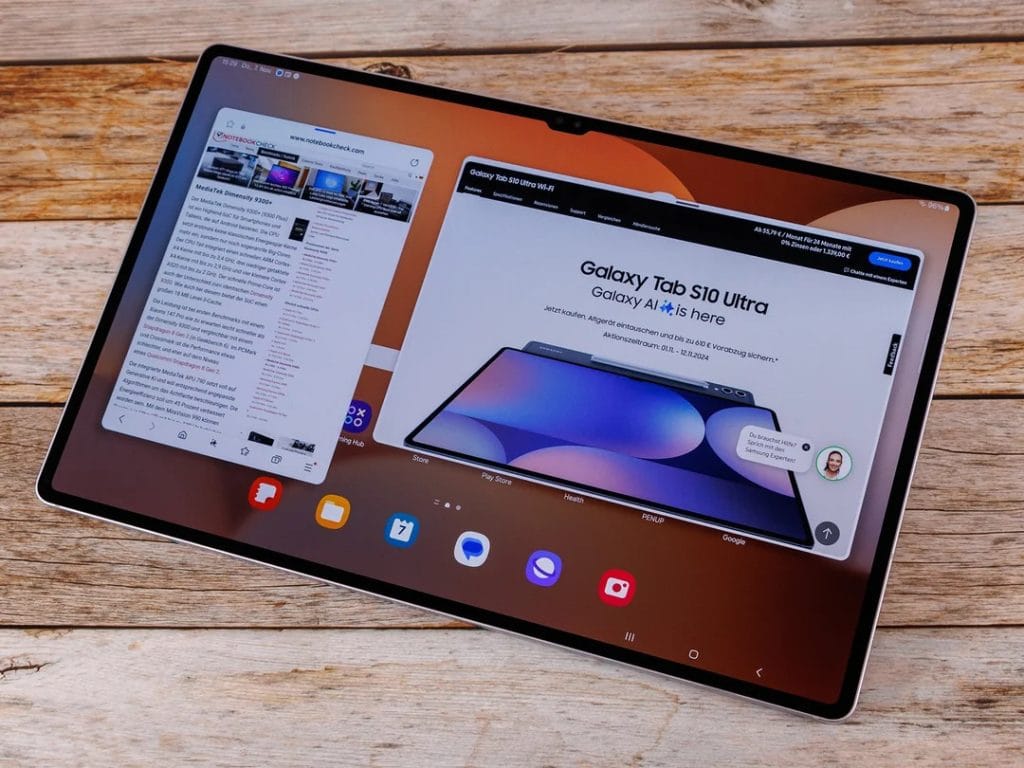
Yes, we can setup your new Android tablet. We set up all brands of Android tablets including Samsung, Google and Lenovo.
Once we sign your iPad into your Apple ID and iCloud account, your iPad will automatically sync with your Mac and iPhone, sharing messages, emails and photos.
Yes, Jim’s I.T recommends you have your iPad setup to backup automatically to iCloud.
Once per month we also recommend manually backing up your iPad to iTunes, as it will make a 100% backup of all your photos, contacts, messages and settings.
No, we don’t sell iPad batteries. We recommend taking your iPad to a local Apple Store(opens in new tab) and they can replace it for you.
Yes, we can upgrade your iPad to the latest iPadOS software. We recommend getting your iPad up to date with the latest iPadOS to get essential security updates, new features, enhanced performance and compatibility with the newest apps.
Yes, we can setup your email accounts on your Tablet to sync with your computer. We need to make sure the email account is setup as either as IMAP or Exchange on both devices.
Yes, we do recommend having one Apple ID for all your devices. However if you have a partner/wife or husband and children, they should all have their own Apple ID for their devices – otherwise everyone will receive everybody’s messages, and it can be confusing.
If you are a family and all running on one Apple ID account, please contact Jim’s I.T on 0800 454 654 so we can separate out each family members devices with their own Apple ID.
Yes, our mobile device technicians can assist you with advising and purchasing the best tablet for your needs, and setup the device and transfer any data from any other tablets.
We will also spend time with you to teach you how to get the most out of your device.
This is a common question we get at Jim’s I.T. This actually depends. If you are used to Apple products, we recommend purchasing an Apple iPad. If you are used to Android products, we recommend purchasing an Android tablet.
If you are a Windows only user, we recommend using a Windows laptop/tablet hybrid device.
Unless you are a faster learner, we don’t recommend switching from Apple to Android or vice versa.
Speak to your local computer technician right now
Jim’s Work Guarantee
Why Choose Jim’s I.T ?
Attempting to resolve IT issues yourself can sometimes lead to further complications, data loss, or unnecessary downtime. Computers, networks, and other technology require the right knowledge and tools to diagnose and resolve problems effectively.
Jim’s I.T technicians are experienced in a wide range of IT services, including computer repairs, troubleshooting, software support, network setup, and general technical assistance. With over 15 years of experience, we provide reliable, professional IT solutions for homes and businesses, backed by our No-Fix, No-Fee Guarantee, with convenient service available across New Zealand.
Fixed Pricing
All quotes are free and fixed prices. We may charge to inspect the problem so we can quote accurately.
Same Day Service
You can request on-site same-day service before 10 am. We’ll have a technician at your door that very same day!
No Fix No Fee
If we can’t fix the problem or offer you a solution then there’s nothing to pay*.
Note : *Some issues/problems require a paid inspection/diagnostic fee to determine if the device can be repaired.